
5 Website Mistakes Costing Clinics Patients in 2026
Summarise this post with:
5 Website Mistakes Costing Clinics Patients in 2026
Your website might be open all day and all night. But it can still turn patients away.
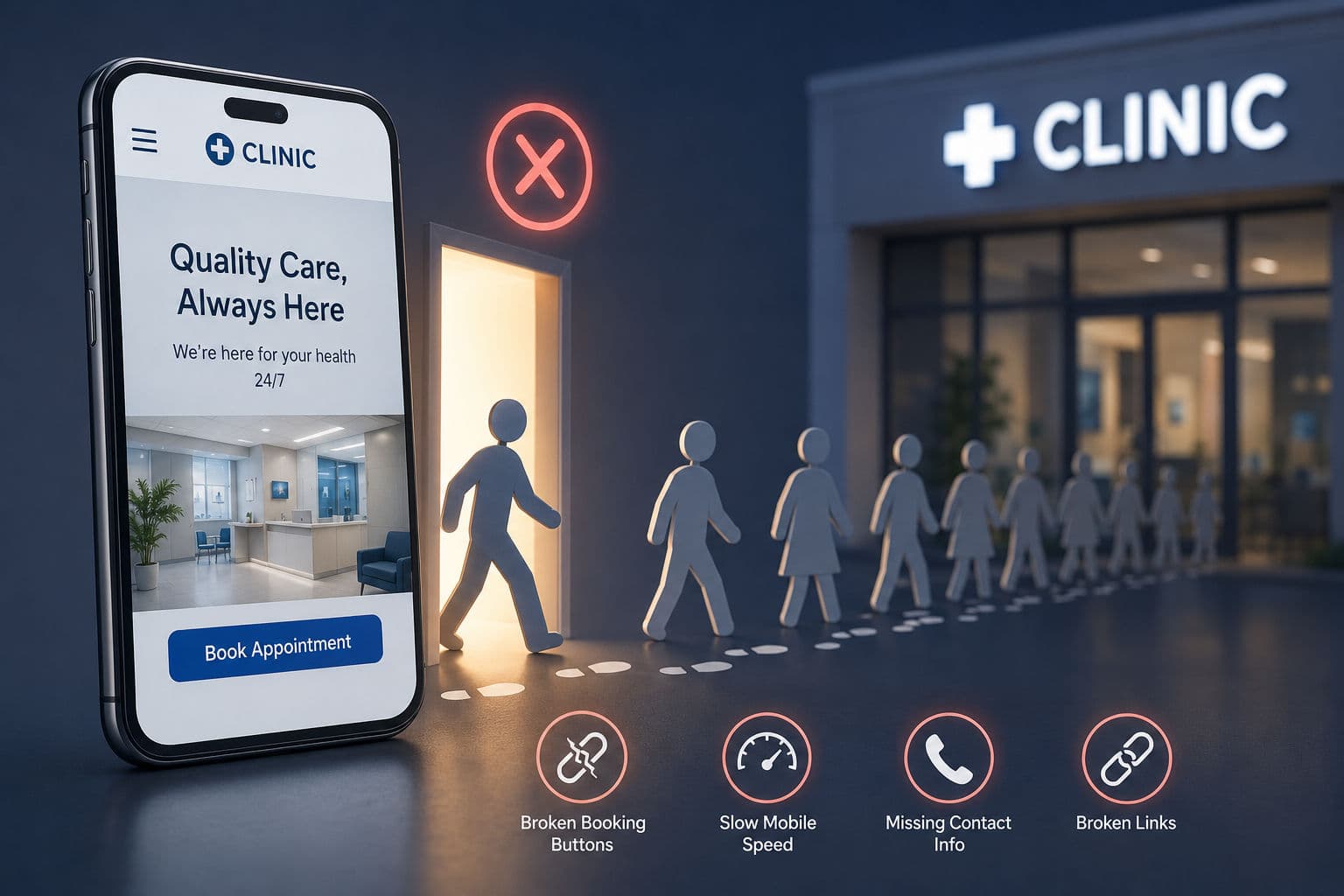
We ran audits on more than 100 clinic websites this year. The same handful of mistakes kept showing up. A booking button that does not work. Contact details missing from the top of the page. Pages that load slowly on a phone.
Each mistake looks small on its own. But together, they push real patients toward a competitor's clinic instead of yours.
Key Takeaways
Broken or hidden booking buttons were the single most common issue we found
Slow mobile load times push patients away before the page even finishes loading
Missing or outdated contact information causes real, avoidable lost bookings
Most of these issues take less than a day to fix once someone finds them
The Most Common Problem: Broken or Buried Booking Buttons
Across the sites we checked, the top issue was a "Book Appointment" button that failed in some way. Some led to blank pages. Some just did not work at all. Others were buried so far down the page that most visitors never found them.
We saw this on 62 of the 100 sites we audited. That is more than half.
A visible, working booking button in the first screen a patient sees makes a real difference. This matters most on mobile, since most patients now search for a clinic on their phone first.
Here is a line worth remembering:
"A website that loads slowly on a patient's phone is a closed clinic, even if the lights are on inside."
Other Recurring Problems We Found
Beyond the booking button, a few other issues showed up again and again.
Slow mobile load speed. Most patients leave if a page takes more than 3 seconds to load. That is barely enough time to read one sentence.
Outdated phone numbers or hours. Patients call, get no answer, and try another clinic instead.
No FAQ or pricing information. Patients leave the page to search for basic answers elsewhere.
Broken social media links. This quietly signals neglect and hurts trust, even if the rest of the site looks fine.
Why Do These Mistakes Go Unnoticed for So Long?
Most clinic owners rarely open their own website on a phone the way a new patient would. A broken link or a slow page can sit there for months. Nobody on staff happens to be looking at it from a patient's point of view.
That is really the core problem. It is not that clinics do not care. It is that nobody has checked.
How Quickly Can These Issues Be Fixed?
Almost every issue we found took less than a day to fix once someone spotted it. The real problem was never how hard the fix was. It was simply that nobody had looked closely enough to catch it in the first place.
If you want a clear picture of where your own site stands, our free clinic website audit checks for these exact issues in a few minutes, no pitch attached.
We cover more of these patterns in our clinic marketing guide, including how to fix each one without a full redesign.
Frequently Asked Questions
How often should a clinic audit its own website? A basic check every quarter is enough for most clinics. Cover load speed, booking buttons, and contact details each time.
What is the single highest priority fix for most clinics? A visible, working booking or WhatsApp button above the fold on mobile. This one change tends to bring the biggest jump in enquiries.
Can an old website still perform well without a redesign? Often, yes. Most performance problems come from small, fixable issues. A full redesign is rarely the real fix.
Have you checked your own clinic's website from your phone this month? It might be worth five minutes to look.
Sources Google's page experience guidelines: https://developers.google.com/search/docs/appearance/page-experience
Have you personally booked an appointment on your own clinic's website from your phone recently?


